


ThirdReality
Smart Plug Gen3
Couldn't load pickup availability
Smart Plug Gen3 keeps connected appliances powered during supported OTA firmware updates. It is a compact 15A Zigbee 3.0 plug with power monitoring and a built-in repeater. A compatible Zigbee hub is required.
- OTA updates without relay switching: Firmware updates do not switch the relay on and off, so appliances that are on stay powered.
- Metering Only: Keep the relay on to prevent accidental switch-offs while monitoring power use. Enable this mode in Home Assistant (ZHA) or Zigbee2MQTT.
- Upgraded chip: Stronger Zigbee signals and more accurate metering, with an enhanced RF module and optimized routing.
- Factory-calibrated accuracy: Every plug is individually calibrated for ±1% measurement accuracy.


Product details
Zigbee control and power monitoring
THIRDREALITY Smart Plug Gen3 turns connected appliances on and off through a compatible Zigbee hub. It combines power monitoring, a built-in Zigbee repeater and a compact 15A design.
- Zigbee 3.0; a compatible hub is required.
- Control appliances through your hub or app.
- ETL certified.
1. OTA updates without switching the relay
The relay stays in its existing state during supported over-the-air (OTA) firmware updates, so an appliance that is on stays powered. OTA updates are supported through Home Assistant, Hubitat and THIRDREALITY.
2. Metering Only to prevent accidental switch-offs
Enable Metering Only in Home Assistant (ZHA) or Zigbee2MQTT to keep the relay on and avoid accidentally switching off connected appliances while monitoring their power use.

3. Upgraded chip for stronger signals and more accurate metering
Gen3 uses an upgraded chip for stronger Zigbee signals and more accurate metering. Its enhanced RF module and optimized routing algorithm help extend your Zigbee mesh network.

4. Factory-calibrated for ±1% measurement accuracy
Every Smart Plug Gen3 is individually calibrated at the factory for ±1% measurement accuracy. The plug reports power and energy data; SmartThings and Home Assistant can display energy statistics.
- Power (W): electricity use at a particular moment.
- Energy (Wh): consumption accumulated over time.

5. Everyday controls in one plug
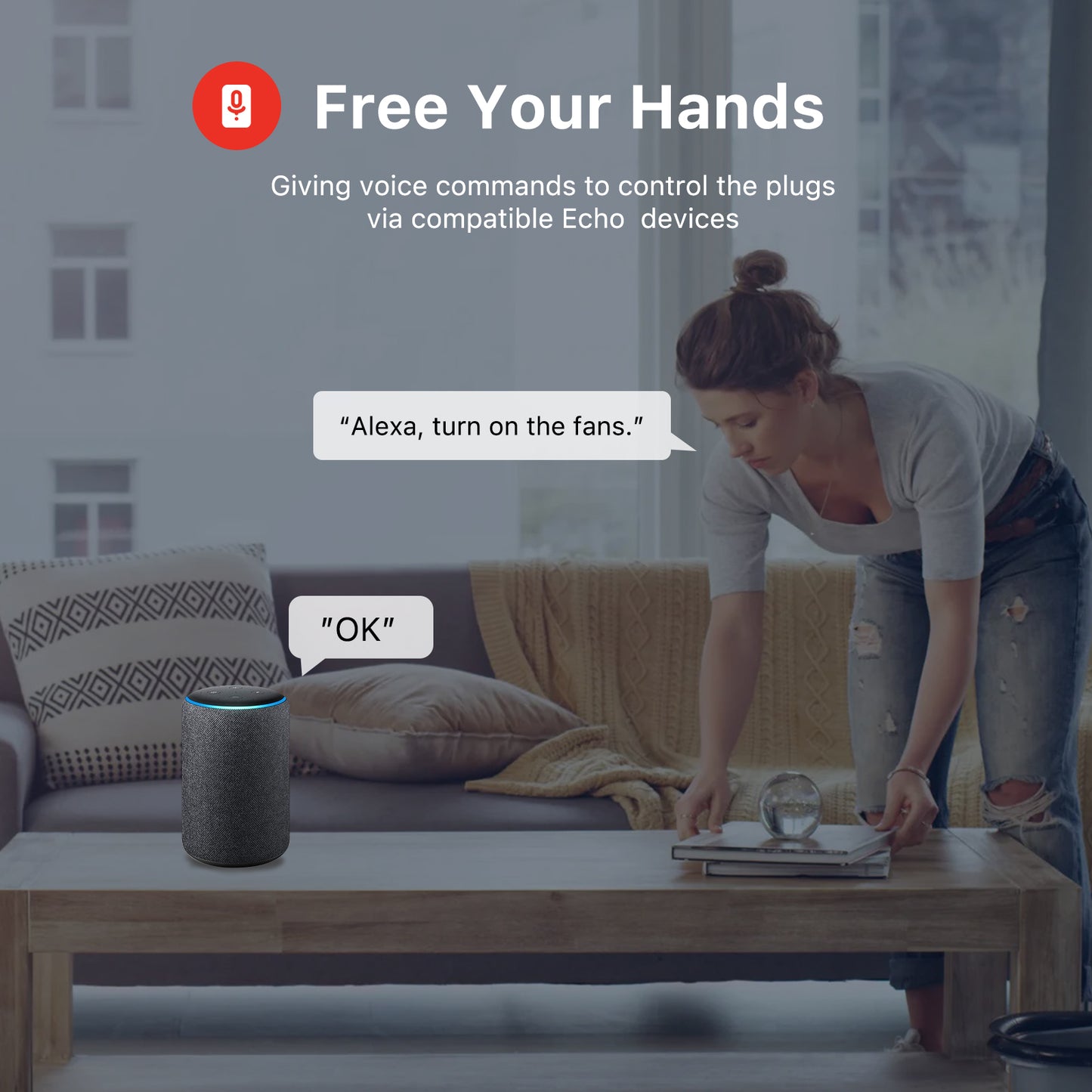
Set schedules, control a group of plugs, or switch an appliance on and off from your app. Voice control is available through compatible Echo devices or a hub that works with Alexa or Google Home.
- Set timers and schedules through your hub.
- Group multiple plugs for shared control.
- Use a compatible hub or integration for remote access.

6. Compact design
The compact shape is designed to leave the adjacent wall outlet accessible, so you can connect another appliance alongside the plug.
- 15A maximum current.
- Use connected appliances within the plug’s ratings.
7. Schedules, timers and group control
Use your hub’s scheduling features to turn an appliance on or off at a chosen time. Group several plugs to control them together from your app.
- Schedule a floor lamp or humidifier to turn on at a chosen time.
- Use one command to switch a group of connected appliances.
8. Remote control and power-on settings
Switch connected appliances from your app when you are away, using a hub that supports remote access. You can also choose the desired on/off state after power returns through Home Assistant or THIRDREALITY Hub Gen2.
9. Voice control
Ask Alexa or Google Home to turn a connected appliance on or off. Use a compatible Echo device, or connect through a Zigbee hub that works with your voice assistant.
- Check the exact Echo model in Compatible hubs below.
10. Connected appliances around the home
Use Smart Plug Gen3 with appliances such as a coffee maker, table lamp or television, as shown below.

11. Compatible hubs
A compatible Zigbee hub is required. Compare your hub with the models below before pairing.
- Basic on/off control is available across the compatible platforms shown below. Energy displays depend on the platform.
- For SmartThings, follow the user manual to install the applicable driver.
- Matter connectivity is available through Smart Bridge MZ1.

Specifications
| Product | THIRDREALITY Smart Plug Gen3 |
|---|---|
| Wireless protocol | Zigbee 3.0 |
| Hub requirement | Compatible Zigbee hub or coordinator required |
| Maximum current | 15A |
| Certification | ETL certified |
| Pack options | Single Pack or 4-Pack |
Setup and support
Follow the Gen3 user manual and the setup instructions for your hub.
Common questions
Does Smart Plug Gen3 need a hub?
Yes. Smart Plug Gen3 uses Zigbee 3.0 and requires a compatible Zigbee hub. See the compatibility image above for the listed devices.
What is Metering Only?
Metering Only keeps the relay on to help prevent accidental switch-offs while you monitor power use. You can enable it in Home Assistant (ZHA) or Zigbee2MQTT.
Does it work with Home Assistant?
Yes. Connect through ZHA or Zigbee2MQTT with a compatible Zigbee coordinator.
Can I use Alexa or Google Home?
Yes, through a compatible Echo device or a Zigbee hub that works with Alexa or Google Home. Check the exact hub or Echo model in the compatibility image.
Is Smart Plug Gen3 a Matter plug?
Smart Plug Gen3 uses Zigbee. Matter connectivity is provided through Smart Bridge MZ1.
Which platforms display energy statistics?
SmartThings and Home Assistant display energy statistics. Smart Plug Gen3 reports electricity-use data, but the platform determines what it displays. Alexa provides on/off control without energy statistics for this plug.
What is the difference between power and energy readings?
Power in watts (W) shows electricity use at a particular moment. Energy in watt-hours (Wh) totals consumption over time.
Can I choose the state after a power outage?
Yes. Home Assistant and THIRDREALITY Hub Gen2 support setting the desired on/off state after power returns.
What changed from Smart Plug Gen2?
Gen3 retains Gen2’s existing features and adds an upgraded Zigbee chip, RF module and routing algorithm. It also supports firmware updates that keep the connected appliance powered on supported platforms.


Product setup and resources
Zigbee compatibility
Smart Plug Gen3 is a Zigbee product and requires a compatible Zigbee hub or coordinator before it can be added to an ecosystem.
Use the product manual and firmware history below to confirm setup steps and current platform notes for this SKU.
Product resources
Review product-specific setup information and firmware update history for this device.